A few of you have asked about gadgets that I use, so I thought I’d devote an entire post to my go-to tools – my sewing/embroidery machine, Cricut and camera. I’ll cover why I chose them and pros and cons. This got a little long, but hopefully it’s helpful to those who are looking.
Sewing/embroidery machine
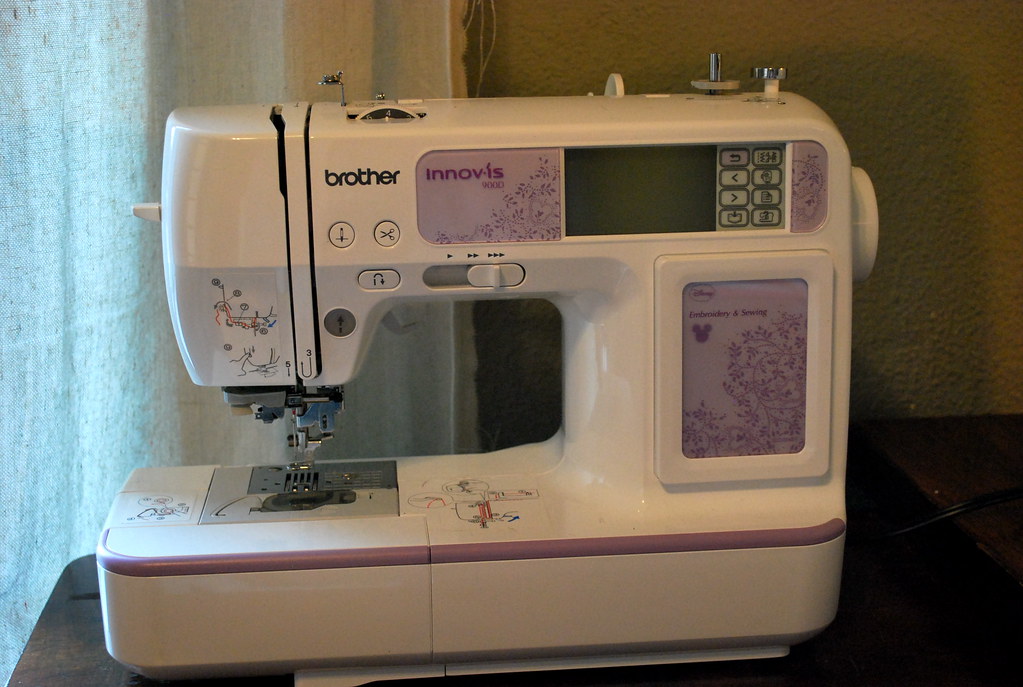
Brother Innov-is 900D
I receive the most questions about my embroidery machine, so I’ll start here.
I’m not an expert sewer, but I’m learning. I quilted some before we got married, but hadn’t really done anything since 2007. I wanted to get going again, but didn’t have a machine. So, for my April birthday in 2009, my sweet husband picked out a Brother sewing machine based on reviews and surprised me with it. He’s a sweetheart. I loved it. Until I used it. Then, I had some consistent issues with the bobbin case.
Luckily, Overstock is awesome and refunded the machine, even after several months. No questions asked (well, there were a few questions, but nothing major).
However, Overstock didn’t ask me to send the machine back (it was large). So, I still had it, and I just continued to use it now and then (replacing the bobbin case multiple times) between September and Christmas. I wasn’t sure which new machine I wanted and I felt like I had nothing to lose until it went bad for good.
I started sewing Christmas gifts, and the (already refunded) machine was trying to keep up. Unfortunately, it breathed its last breath the week before Christmas. I went down to my local sewing machine store and talked to the tech. I needed a machine to finish the gifts, so I began to research. That’s when I found the Innov-is 900D.
Why I chose it:

- It has a simple embroidery machine, with built-in basic designs. You can also upload digital designs from your computer (which I’ve never done).
- It was solid, with a metal core.
- The local tech recommended it and said it’s been popular and hasn’t had major problems with it.
- It had all the stitches I would ever need (and many that I probably wouldn’t).
- Did I mention it had embroidery?
- I also liked the hard case.
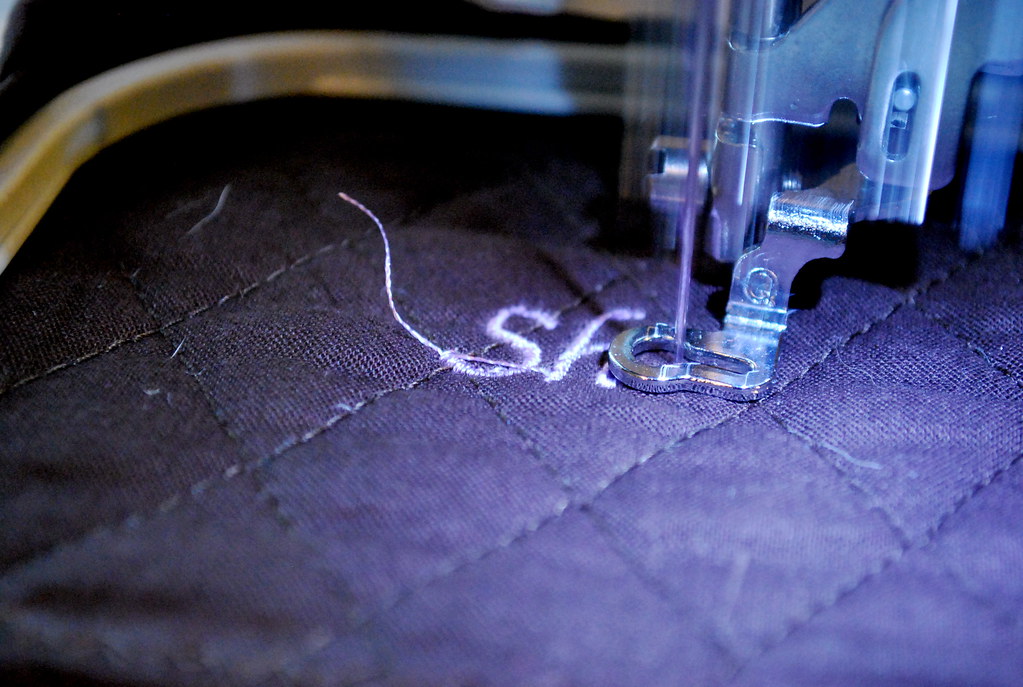
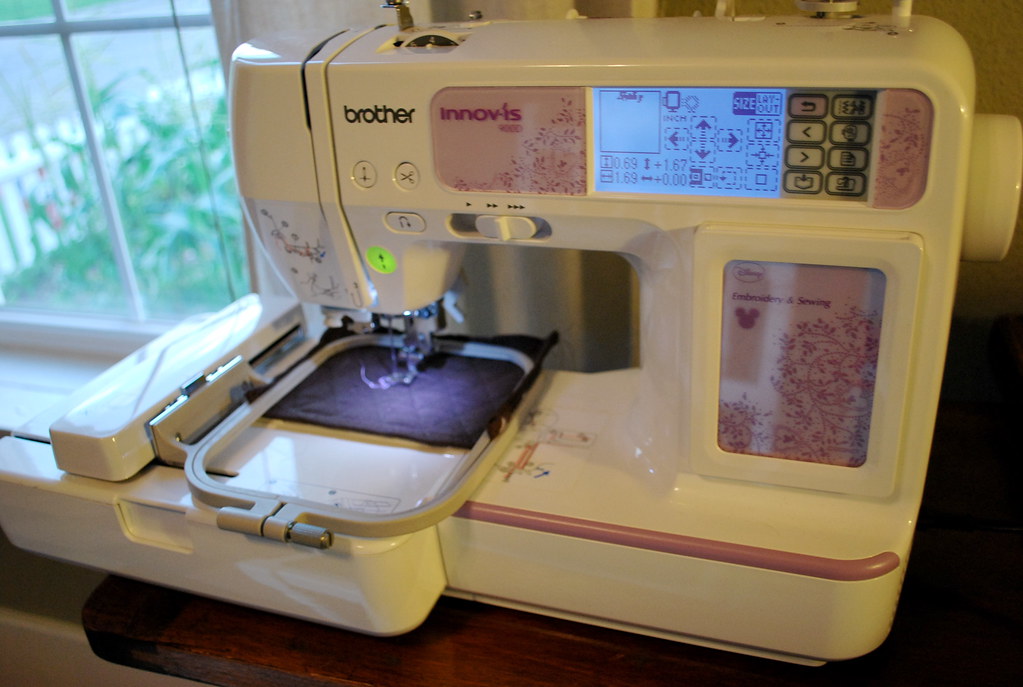
Here’s a few projects I’ve used with my new machine:
- Bright baby quilt
- Straight iron case
- Camera strap cover
- Tote bag and colored pencil roll-up
- Embroidered apron and towels
- Drapes (from dropcloths)
- Quilted table runner
- Feedsack bag
- Reusable sandwich wraps
- Lunch sack
- Placemat tote
- Quilted and embroidered totes
- Applique shirts
- Corn bags (I actually did half of these with the old machine and half with the new)
I have wanted a vinyl/paper cutter for a while, and ended up with one last Christmas from myself my husband. I actually bought this one from Overstock. I thought I was buying a package, but it ended up not being a package. (WTH?) Luckily, Overstock came through again and gave me some money back, which I used to purchase some accessories.
I researched the Cricut and the Silhouette when I bought this. I chose to go with the Cricut because I have a Mac, and read online that the software for Silhouette was not compatible with Mac at that time without having Illustrator or Photoshop.
That’s changed now and the Silhouette is now compatible with Mac.
Since there aren’t many other options for a cutter like this, I think it’s obvious why I bought it. I thought it would be handy to use for cards, decoration and scrapbooking (the little that I do).
I liked the idea that I could cut vinyl, and I’ve tried it a little bit. (I’d like to do more.) I only have a few cartridges, but I mostly use the machine for letters and basic shapes so it’s totally workable. It’s incredibly easy to use.
If I were going back, I’d probably go with the Silhouette since it’s now compatible with Mac. Then I wouldn’t have to buy additional cartridges to cut anything I’d like. But, I’ve been happy with the Cricut and it’s done everything I need it to do.
- Cupcake placemats for bridal shower
- Circle decorations for baby shower
- Banner for couple’s shower
Nikon D60
A few years ago, when I upgraded my point and click, I decided to go with a Nikon D60. I honestly don’t remember exactly why I went with Nikon over Canon… isn’t that horrible? I know that I hemmed and hawwed and read lots of blogs and articles and ended up with a Nikon D60.
The main thing for me was to get a camera that would take faster photos. By the time my old camera got warmed up, it was too late to capture whatever horrible things the dogs were doing that I needed to get on film to prove their guilt. So, after some research, I decided to splurge on a dSLR. I know nothing about cameras, but I wanted something that would last me a while and take good pictures.
Descriptive, huh?
Why I chose it:
- It was in my budget.
- It had good reviews.
- I had read it was a good, smaller dSLR. I didn’t want something huge.
- I had read it was simple to learn and had lot of hints built right into the camera. (Tips about what ISO to choose, etc.)
- No video. The D90 was exponentially higher at the time I bought this, and I wasn’t willing to pay for it. Now, I wish I would have waited a bit to get video. However, I don’t know if I would really use it a ton. It’s just one of those things that may be handy.
- You must look through the viewfinder. Some Canons (and perhaps other cameras?) have the ability to see the photo on the screen as you are taking it. This would be handy, especially when others are taking photos. They don’t understand why they cannot see it on the screen.
Tell me about your favorite tools!